
Trial, license and updates
The free trial
GlintIt is free for 15 days with every feature on. No sign-up, no card.
After the trial, GlintIt keeps working: you can still capture, edit and use your library. Pictures you copy or export get a small "Made with GlintIt (trial)" mark until you add a license.
Buy and activate a license
- Buy GlintIt at parallax-motion.com/products/glintit. Your license key appears on the page after checkout and arrives by email.
- In GlintIt's menu, choose License…. During the trial this item shows how many days are left, for example Trial: 12 days left · Buy….
- Paste the key and click Activate.
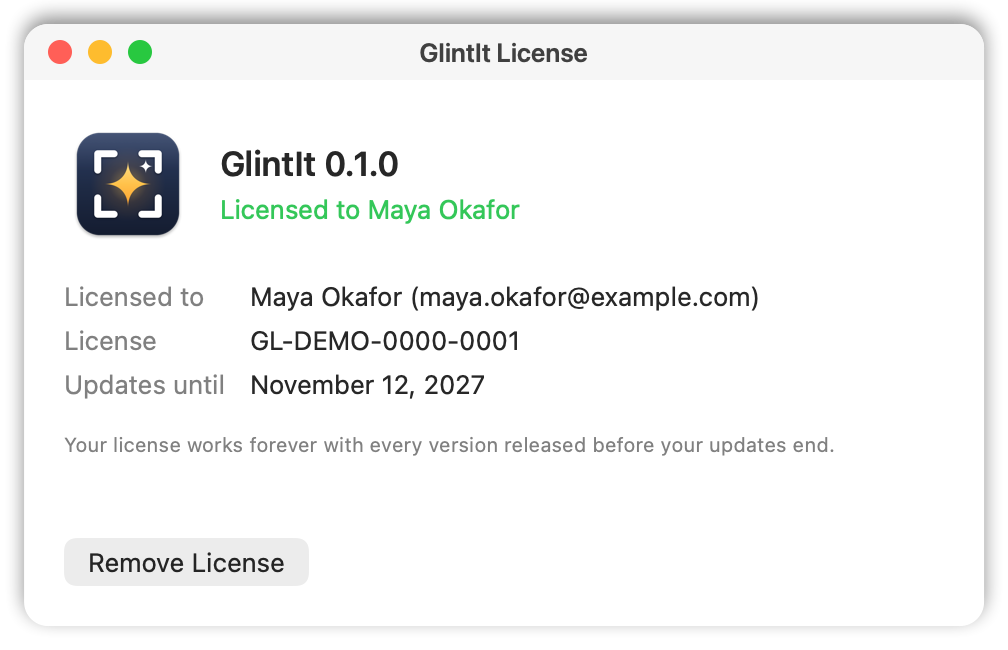
Activation happens on your Mac: no account, no internet connection needed.
What a license includes
- It's yours to keep. A license never expires.
- 12 months of new versions. Every version released in the year after you buy works with your license, forever.
- After that year, keep using the versions you have, or buy an upgrade for another 12 months of new versions.
Updates
GlintIt checks for a new version once a day (when it opens, and every few hours while it's open) and tells you when there is one. Check now with Check for Updates… in the GlintIt menu. Turn off the daily check in Settings → Check for updates once a day.
If a new version came out after your updates ended, GlintIt says so before you download it.
Questions
Does GlintIt send my screenshots anywhere? No. Captures stay in Pictures → GlintIt on your Mac. Text recognition, Smart Redact, Describe and background removal all run on your Mac.
I lost my license key. It's in the email from your purchase. If you can't find it, contact us with your purchase email address and we'll send it again.
Can I use one license on two Macs? A Personal license is for one Mac. For a team, buy a Team license (5 Macs).